5.2.1
Latest- Fixed a leading zero in the hour on the 24-hour clock in some languages
 Live Seconds
Seconds Clock for iPhone & iPad
The only seconds clock app you need. Widgets for the Home Screen and Lock Screen, a Floating Clock in the Dynamic Island, and a full-screen Nightstand Mode, all in native Liquid Glass, built for iOS 26 and iOS 27.
Requires iOS 18 or later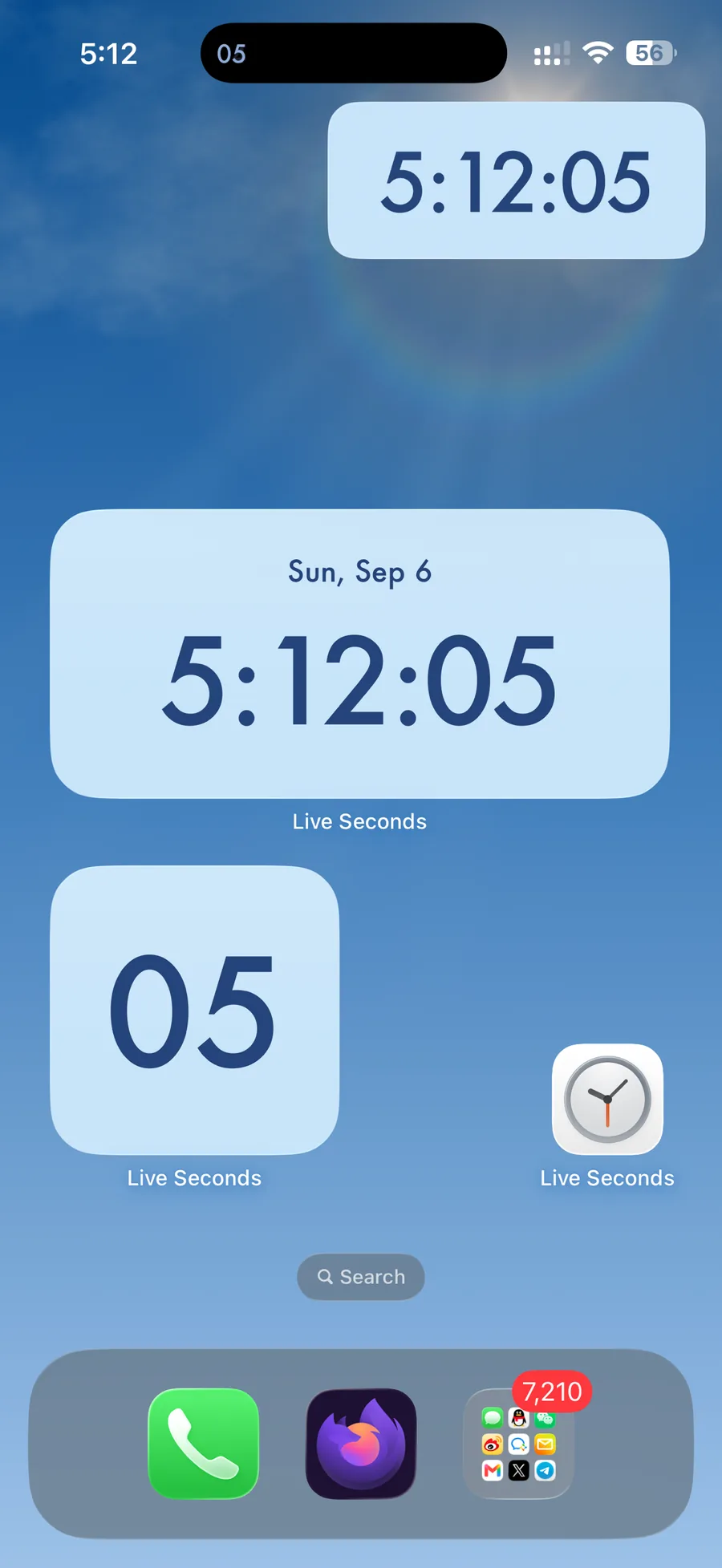
Why Live Seconds
Whether you are timing a launch, waiting for a flash sale, or just want a clock that feels alive, Live Seconds puts an accurate seconds display anywhere on your iPhone.
Designed for iOS 26 and iOS 27 with the real Liquid Glass material, so the app and its widgets feel at home on your device.
Seconds tick right on your Home Screen and Lock Screen in small, medium, large and inline sizes.
Let your wallpaper show through. Choose fully transparent or frosted glass to match any setup.
Keep seconds, and even milliseconds, in view while you use other apps.
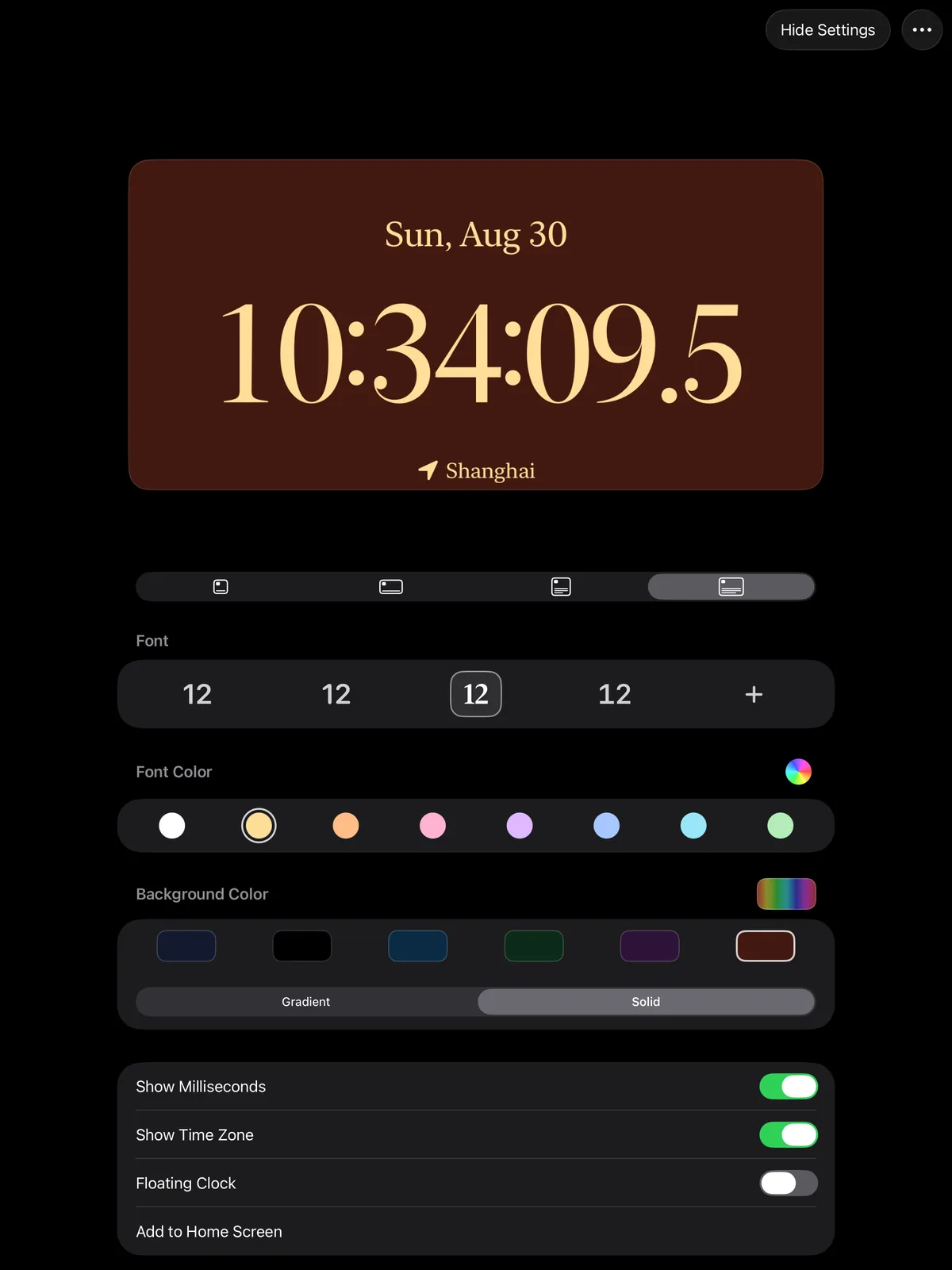
Pick from multiple fonts and colors, in Light or Dark appearance or following the system.
A calm full-screen clock for your bedside, desk or standby dock.
Widgets can show your current time zone, handy when you travel or work across regions.
Screens
Screenshots from the current App Store release.


iPad
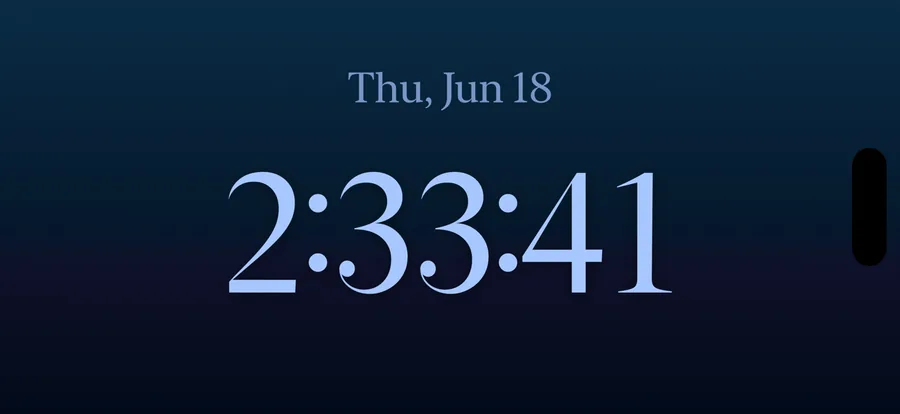
Live Seconds runs natively on iPad with the same widgets, settings and Nightstand Mode.
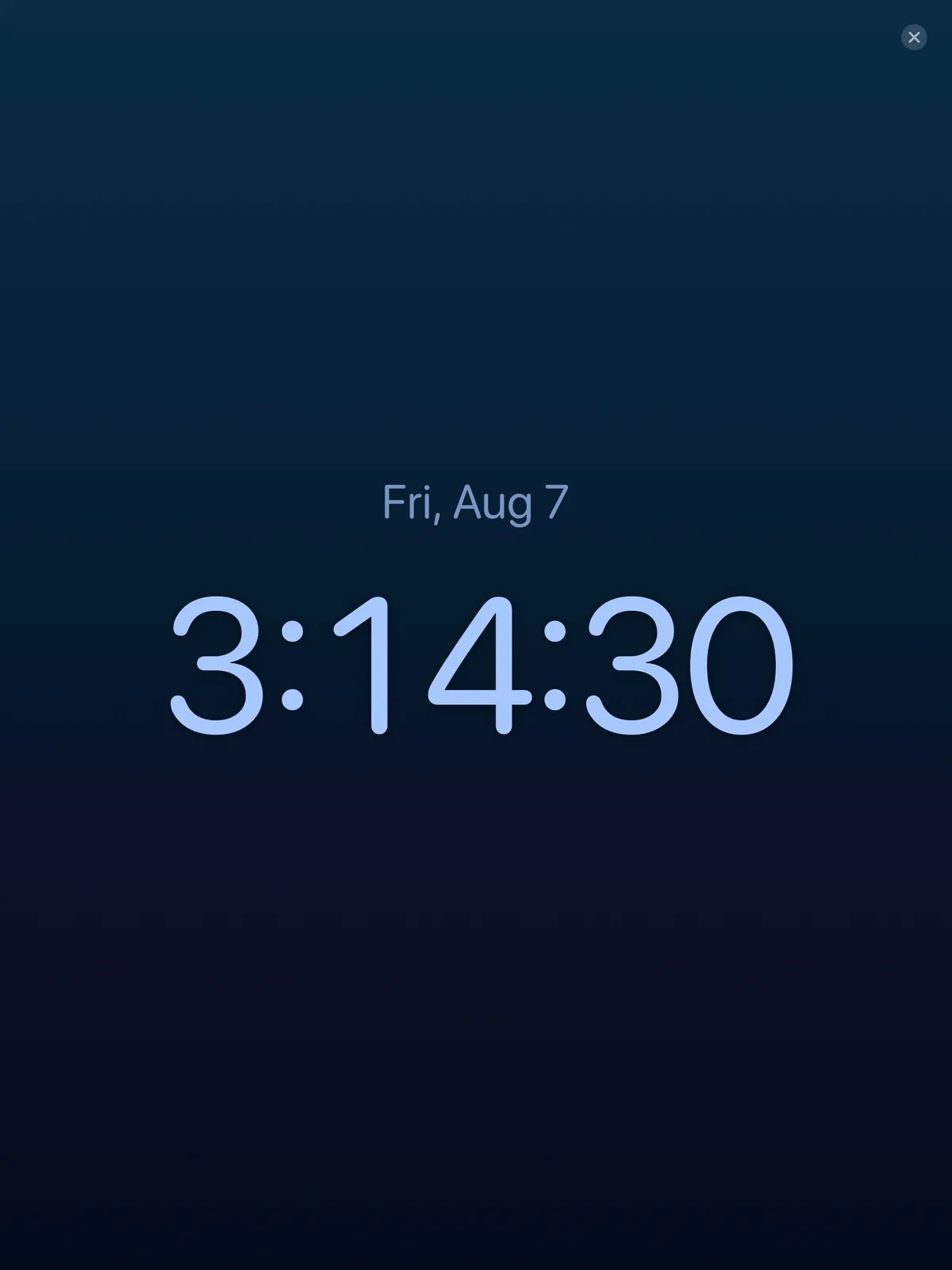
Nightstand Mode
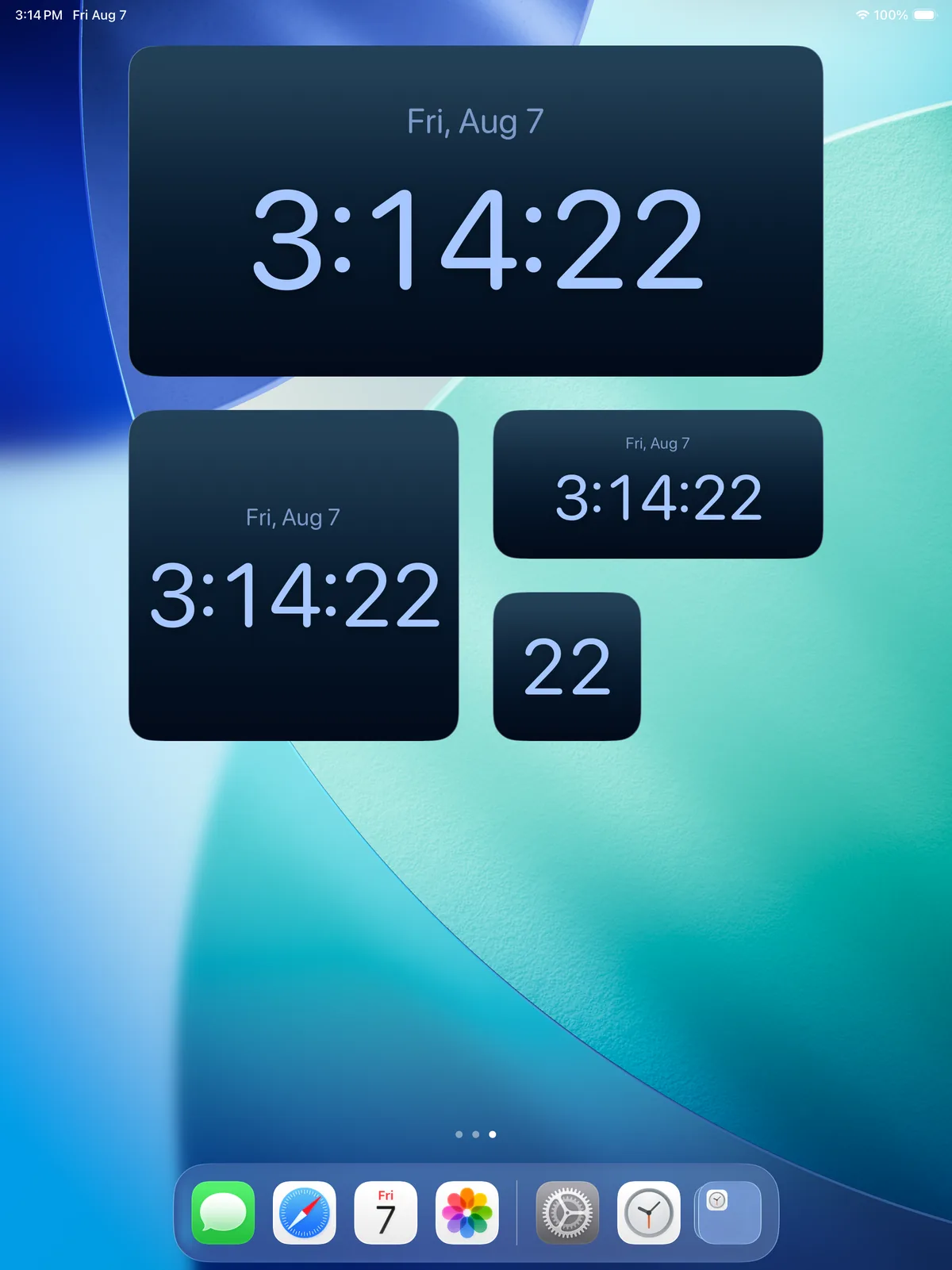
Prop your iPhone or iPad on a stand and Live Seconds becomes a full-screen bedside clock with the date, time and seconds in the font and color you chose.
What’s New
Live Seconds is updated often. Here is what changed in the newest version, straight from its release notes.
FAQ
iPhone and iPad running iOS 18 or later, including iOS 27 and iPadOS 27. The Liquid Glass design shines on iOS 26 and iOS 27, and the app also works on iOS 18 and iPadOS 18.
Long-press an empty area of your Home Screen, tap Edit, then Add Widget, and search for Live Seconds. On the Lock Screen, long-press, tap Customize, then pick a widget slot.
English, Simplified Chinese, Traditional Chinese, Japanese, Korean, German, French, Spanish, Italian, Portuguese, Russian and Arabic.
Open the Support page from the footer and email us. The privacy policy is linked there as well.

Get Live Seconds on the App Store for iPhone and iPad.
Seconds Clock by Live Seconds